Turntables are much more complex than digital. Here are some tips to get some basic phono problems solved.
Hum and Noise
Stop and read this: it is totally normal to have some residual hum and noise in a phono system, especially when you have the volume cranked to max. This is the reality of having to amplify the tiny signal from the cartridge to line levels. If you want a totally silent system, best to stick with digital.
That said, if you're having BIG hum and noise problems—loud, in-your-face kind of problems—here are some tips for resolving them:
1. Use short, well-shielded cables from the turntable to the phono preamp. This is literally the most important factor for getting low noise. Seriously. Use 1m (3 feet) or less cables with 100% shielding. If you can put the phono preamp right next to the turntable and use even shorter cables, do it.
2. Don't rout your input cables in with power cords or on top of other components. Even with 100% shielding, this can cause hum.
3. Try grounding and not grounding. Most phono systems want a solid, short (1m or less) ground wire between the turntable and phono preamp. But some don't. Try both and choose the one with lowest hum.
4. Don't stack the phono preamp on top of any other electronics. This may cause hum. Same goes for the turntable—keep electronics away from it as well.
5. Don't put routers, phones, tiny PCs, or other wireless electronics near your phono preamp. These devices emit gigahertz RF signals that may be amplified by the sensitive electronics inside the phono preamp.
6. Check the wiring from the cartridge to the phono output to ensure it is solid and undamaged. The problem may not be in the phono preamp at all.
7. Make sure you're using the lowest gain. Moving magnet cartridges (the most typical kind) only need about 40dB of gain—that's the default on Mani 3, and Mani 2's default is 42dB. More will increase the noise floor. For moving coil, use the lowest gain that allows you to get the volume you need.
8. Don't plug a phono preamp into the PHONO input on a preamp, integrated amp or receiver. Yes, we know, this sounds weird. But the PHONO input of those devices includes its own phono preamp with 40dB of gain and equalization. This means you'll never get the right sound. Connect a phono preamp to any other line-level input, not PHONO.
Hum and Noise with Massive Distortion
1.As above, make sure you are plugging it into a line-level input on your preamp or integrated amp. That is, any input EXCEPT "PHONO." If you're plugging it into phono, you're running the signal through two phono preamps—no bueno!
2. Also, make sure your turntable doesn't have a built-in phono preamp. If it does, you're also using two phono preamps, and will get massive hum and distortion. Turn the built-in preamp off (many turntables have a switch for it), or plug the turntable straight into a line-level input and skip the external phono preamp.
Setting Up Mani 3
Mani 3 puts gain and MM/MC loading on the front panel. The MC load and LF filter switches are on the back. For most turntables with MM cartridges, just hook it up and leave everything at the defaults: MM LED on, left Gain LED on. There's no special power-on order—Mani 3's muting takes care of that.
1. Gain. Use the front-panel gain control to step through the settings. The LEDs show where you are: both off is 30dB, left on is 40dB (the default), right on is 50dB, and both on is 60dB. Turn your preamp or amp volume down before you change gain—each step is big, from about 30x to 1000x gain. Mani 3 mutes for a moment after each change while it settles. That's normal.
2. Loading. Use the front-panel MM/MC control. MM (the default) is 47k ohms and 50pF, right for most cartridges, including moving iron (MI). MC is 100 ohms and 50pF, for moving coil cartridges. Not sure what you have? If you switch to MC and the sound almost disappears, you have an MM cartridge—switch back to MM.
3. Custom MC load. If your MC cartridge's maker recommends a different load, use the switches on the back to set 10, 50, or 100 ohms and 50, 100, 150, or 200pF. These switches only change the MC setting.
4. LF filter. If your woofers pump in and out (often from warped records), use the LF filter switch on the back. Start with 6dB/octave, and go to 12dB/octave if you need more.
5. Distorted sound, especially in the bass? Switch to a lower gain.
Setting Up Mani 2
All of Mani 2's settings are switches on the bottom. It ships set up for most MM cartridges, so many people never touch them.
Very important: turn your whole system off before you change any switch on Mani 2. Then turn Mani 2 on first and your amp last. When shutting down, turn your amp off first and Mani 2 last. Changing switches with the power on can send loud pops through your speakers.
1. Gain. The Input and Output gain switches come set to Input H, Output L, which gives 42dB for most MM cartridges. Both L is 33dB, Input L and Output H is 48dB, and both H is 60dB.
2. Loading. With every load switch set to O (OUT), the load is 47k ohms and 47pF, right for most MM cartridges. For MC, set the 200 ohm or 47 ohm switch to I (IN), whichever your cartridge maker recommends, or set both to I for about 38 ohms. For more capacitance, add the 47pF switch for about 100pF, the 100pF switch for about 150pF, or both for about 200pF. Not sure what you have? Try 47 ohms. If the sound fades to almost nothing, you have an MM cartridge—set the switches back to O.
3. LF filter. Mani 2 ships with the filter off, and most systems won't need it. If your woofers pump in and out (often from warped records), set the 6DB switches on both channels to I. For more filtering, also set the +6DB switches on both channels to I, for 12dB/octave.
4. Distorted sound, especially in the bass? One of the gain stages is overloading. Set both Input and Output gain to L, then raise them one at a time until you have enough volume without distortion.
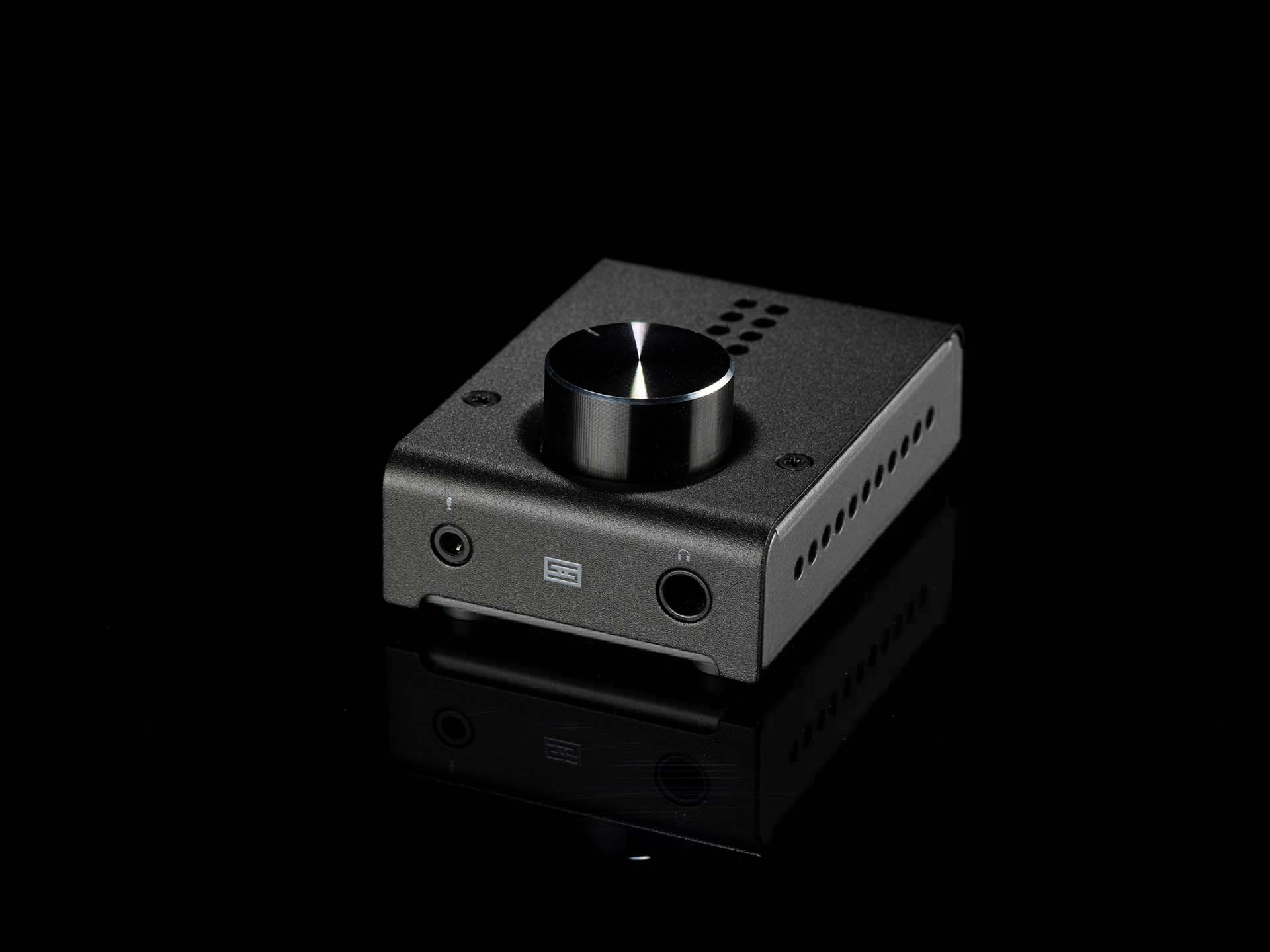
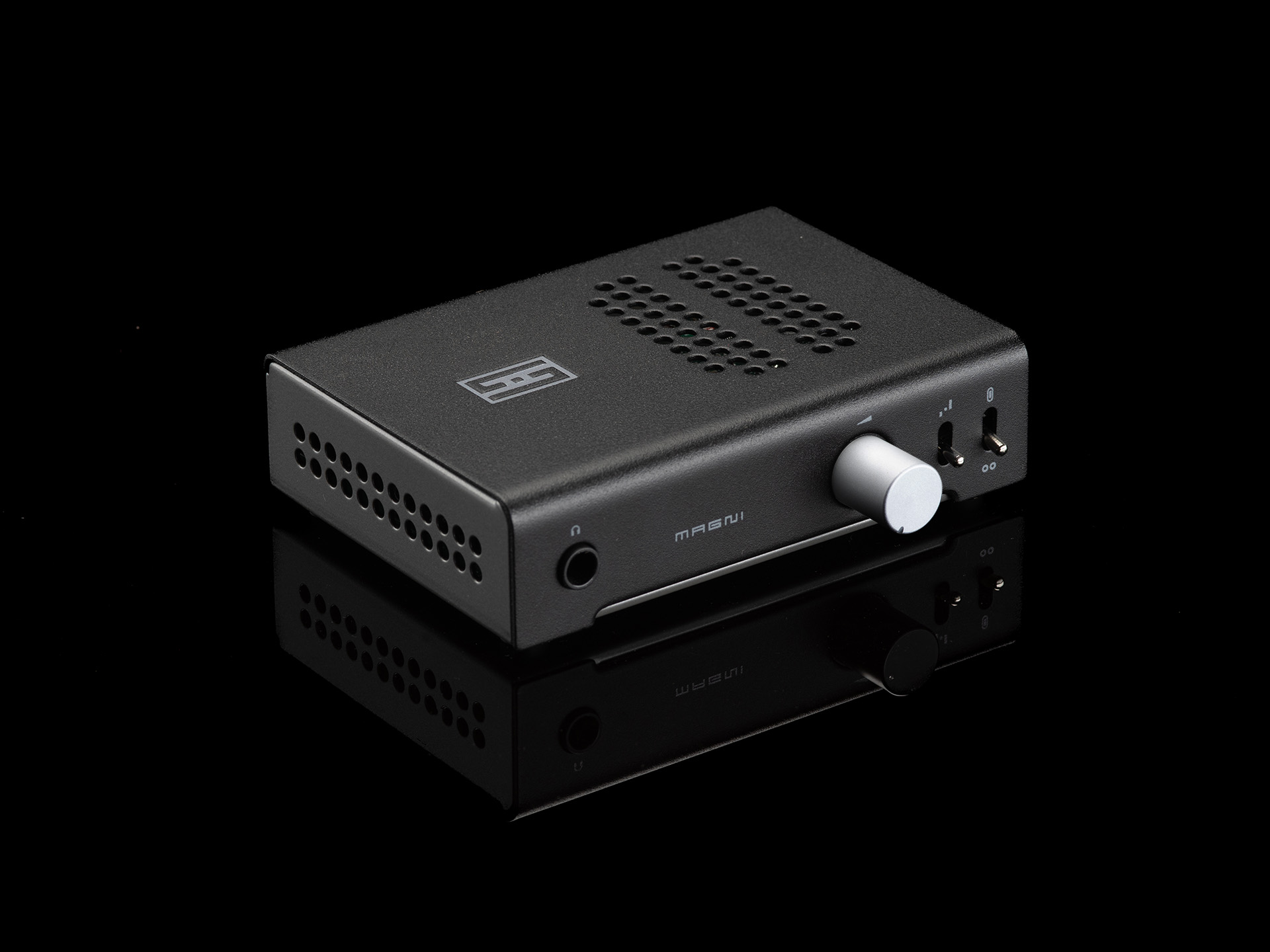 Magni Unity, from $119. When we say "this may be the only headphone amp you ever need," we really mean it. Magni will drive pretty much any hard-to-drive headphone out there. Plus, the optional internal DAC card makes it a great all-in-one.
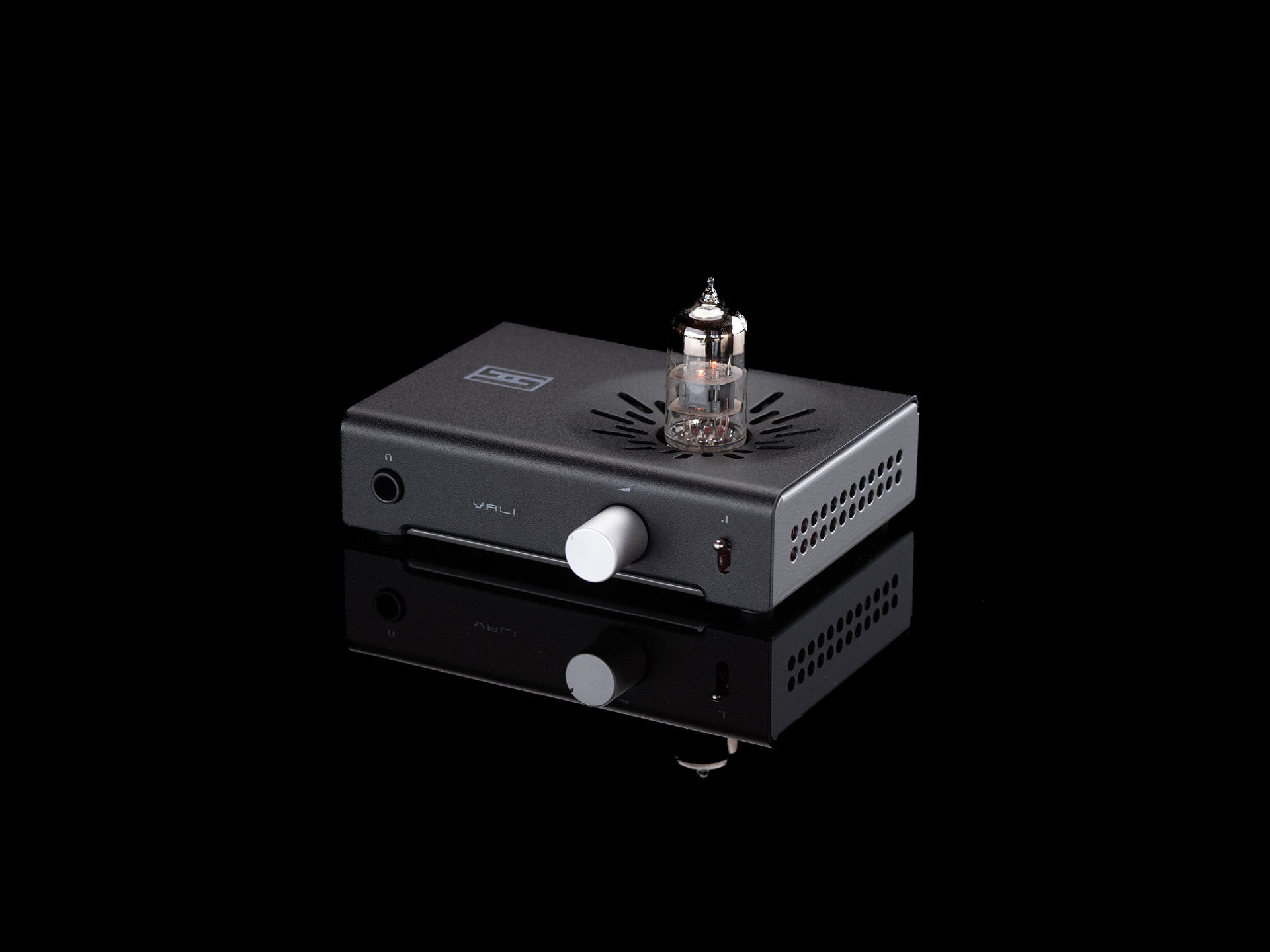 Vali 3, from $149. Want to get a taste of great tube sound, without the wallet-exploding price? Vali's for you. It's a serious tube amp, with a class-leading power supply with 100V on the plate.
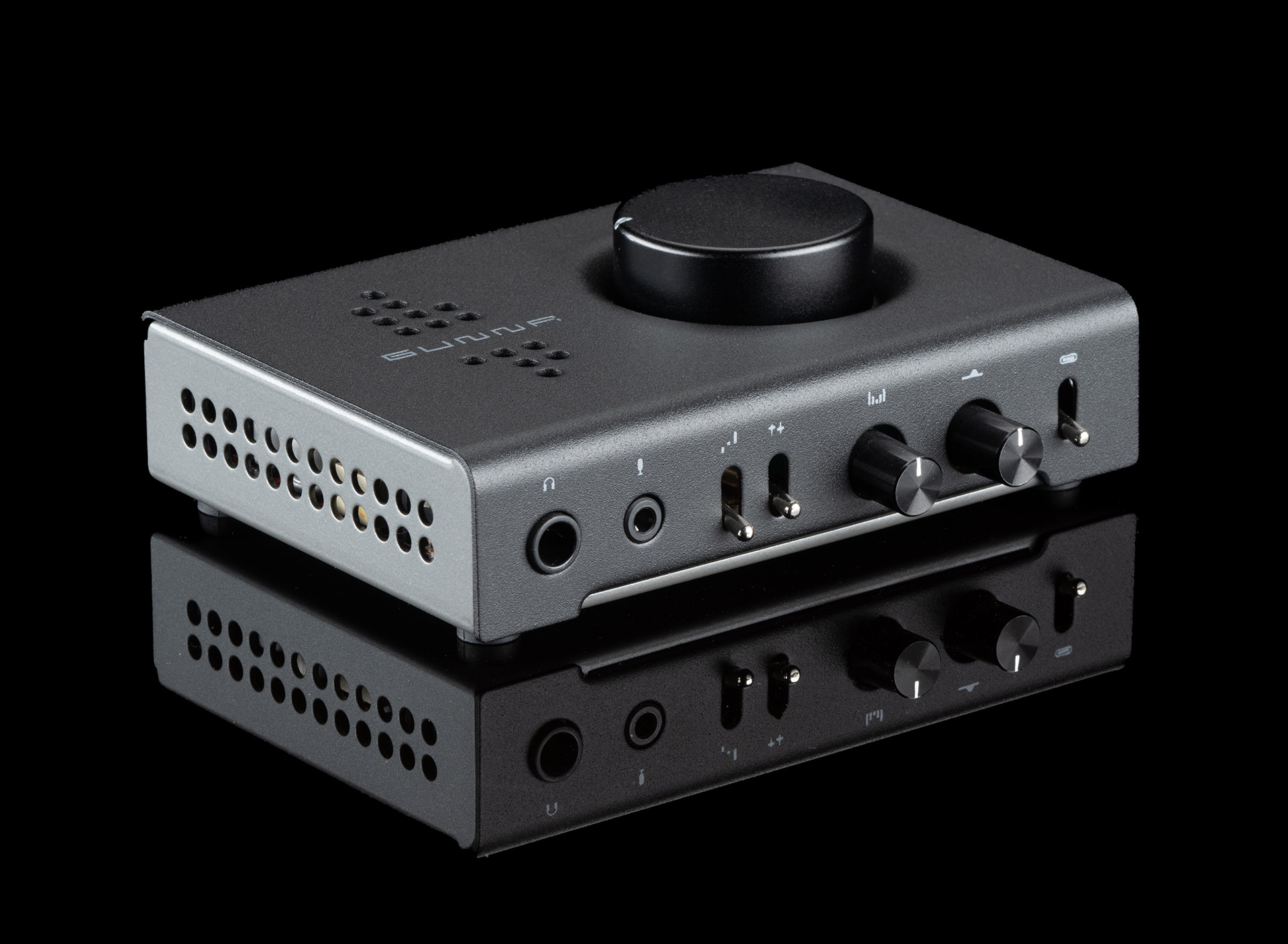
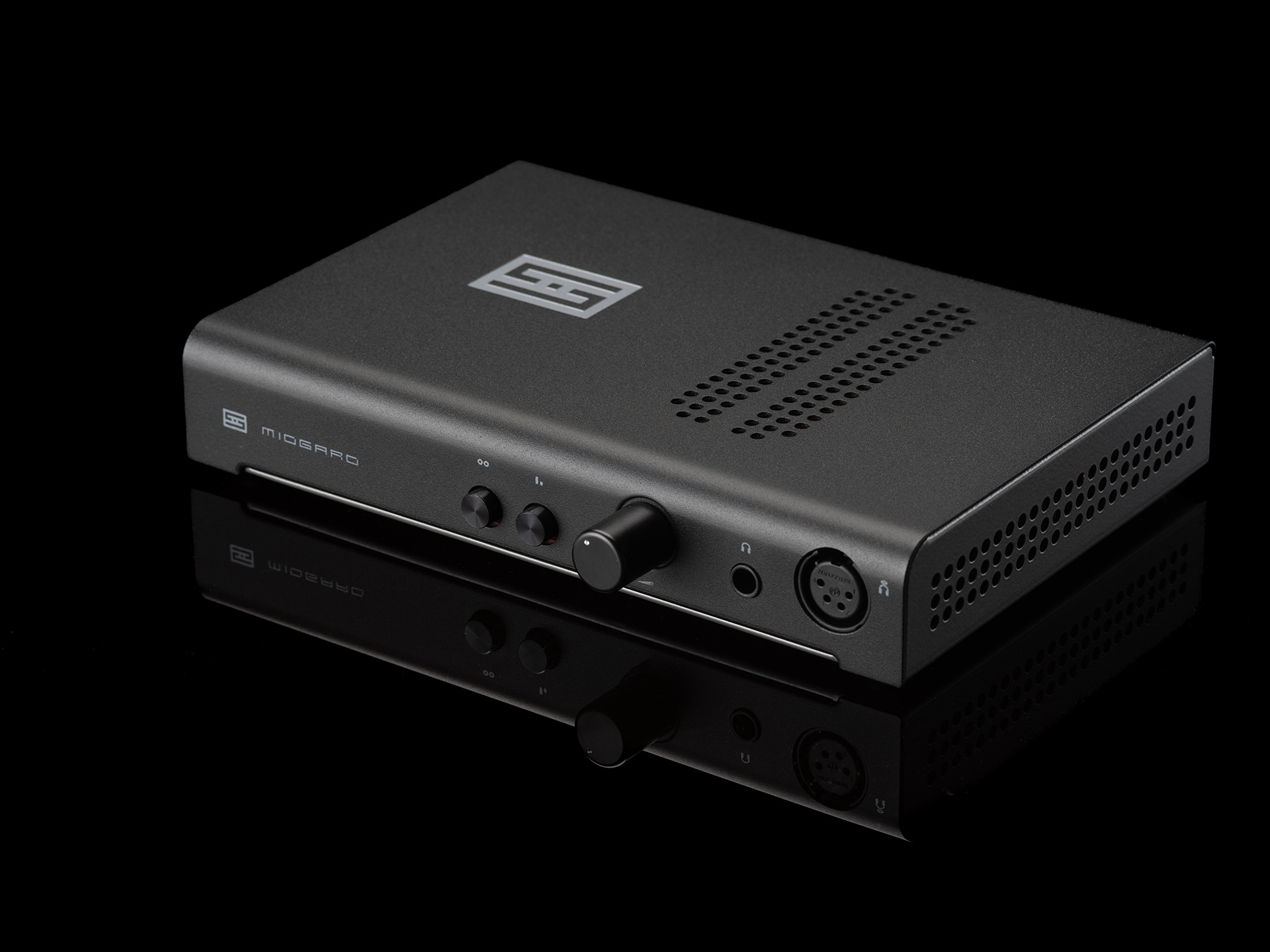 Midgard, $219. Simply the highest power, best measuring fully discrete amp we've ever made, and with Halo topology, can improve performance at the headphone itself.
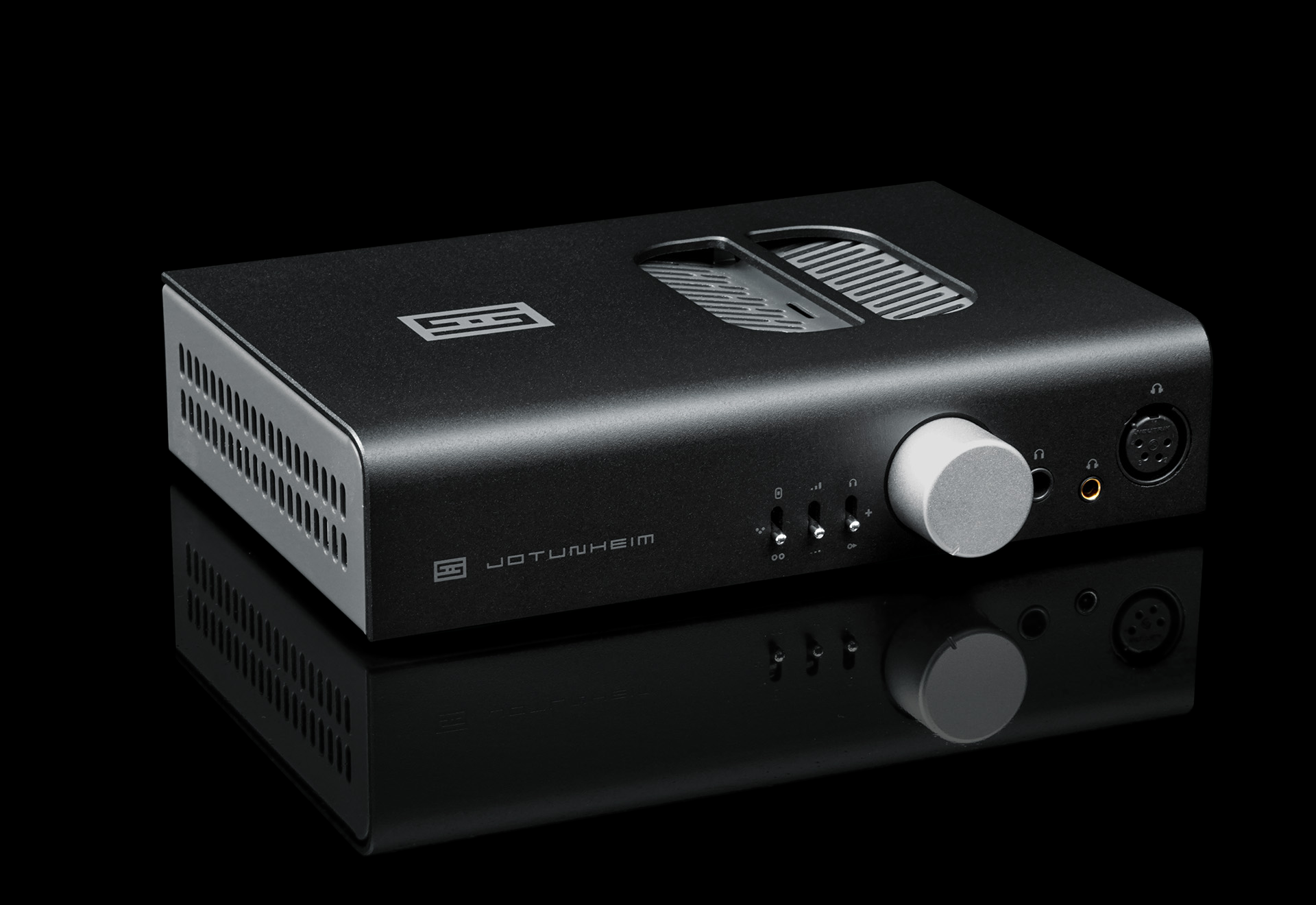
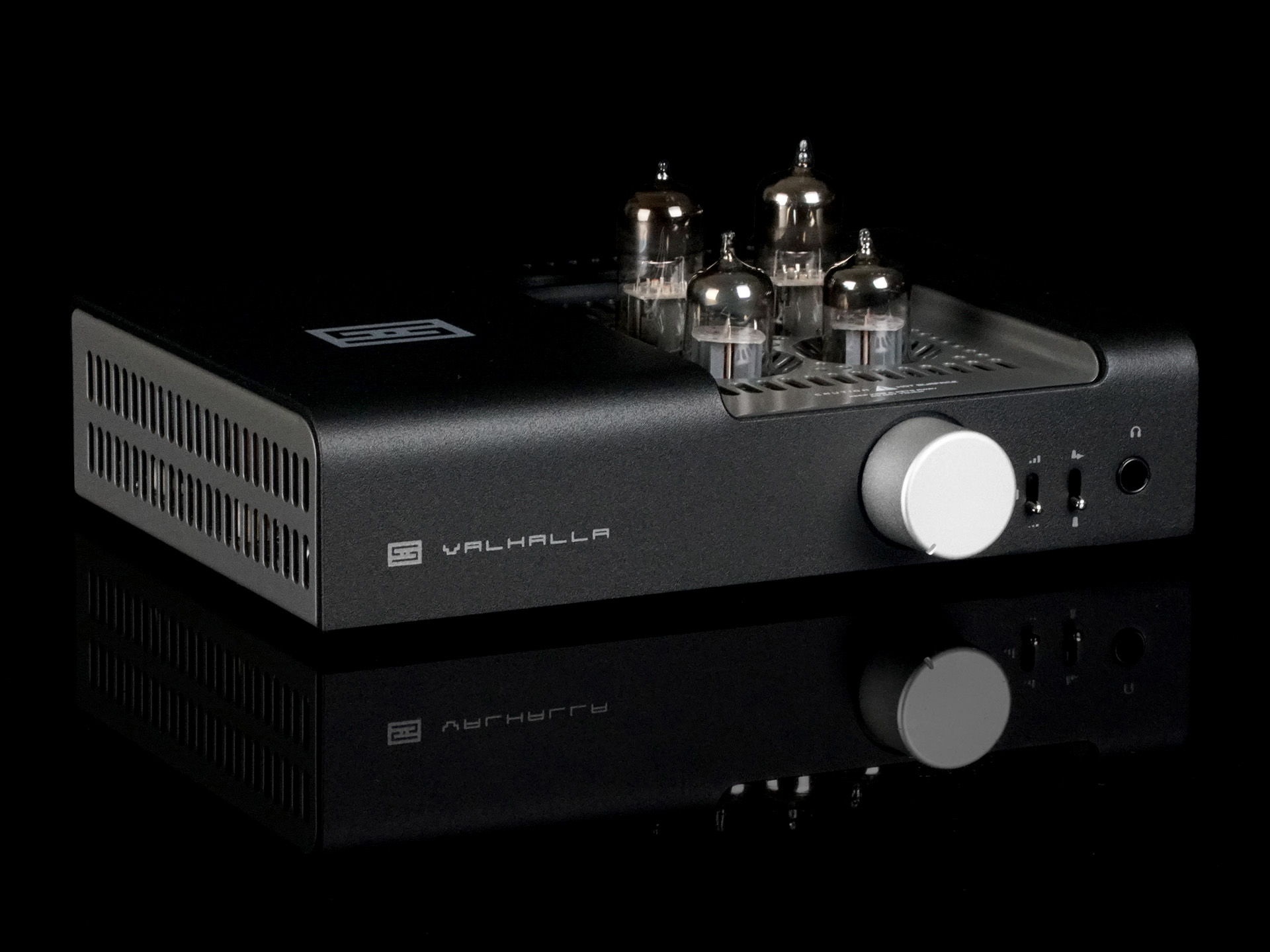 Valhalla 3, from $499. Unlike Vali 3, this is 100% tube gain. So if you want to be all triode, all the time, this is the amp you should be looking at.
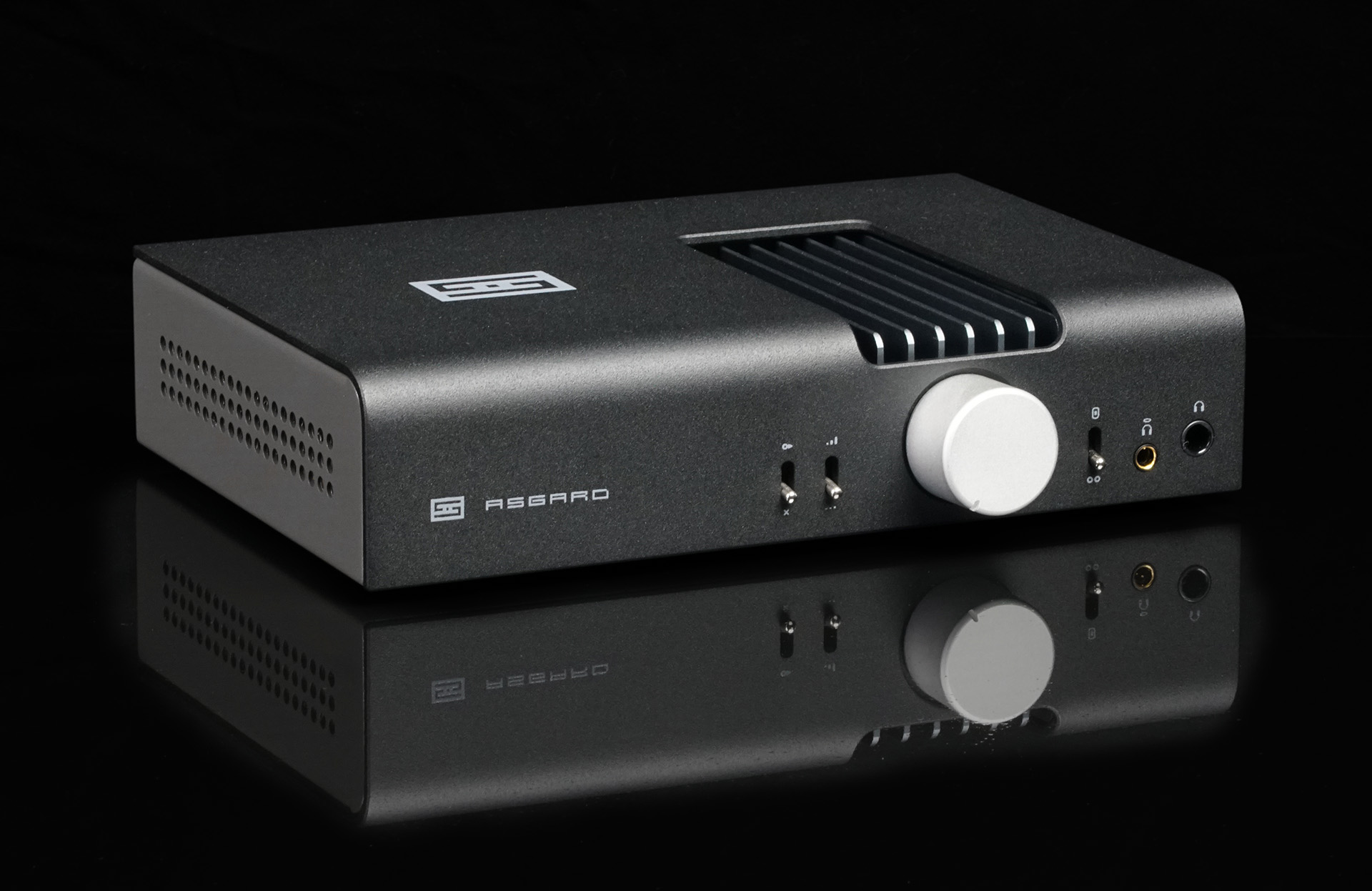
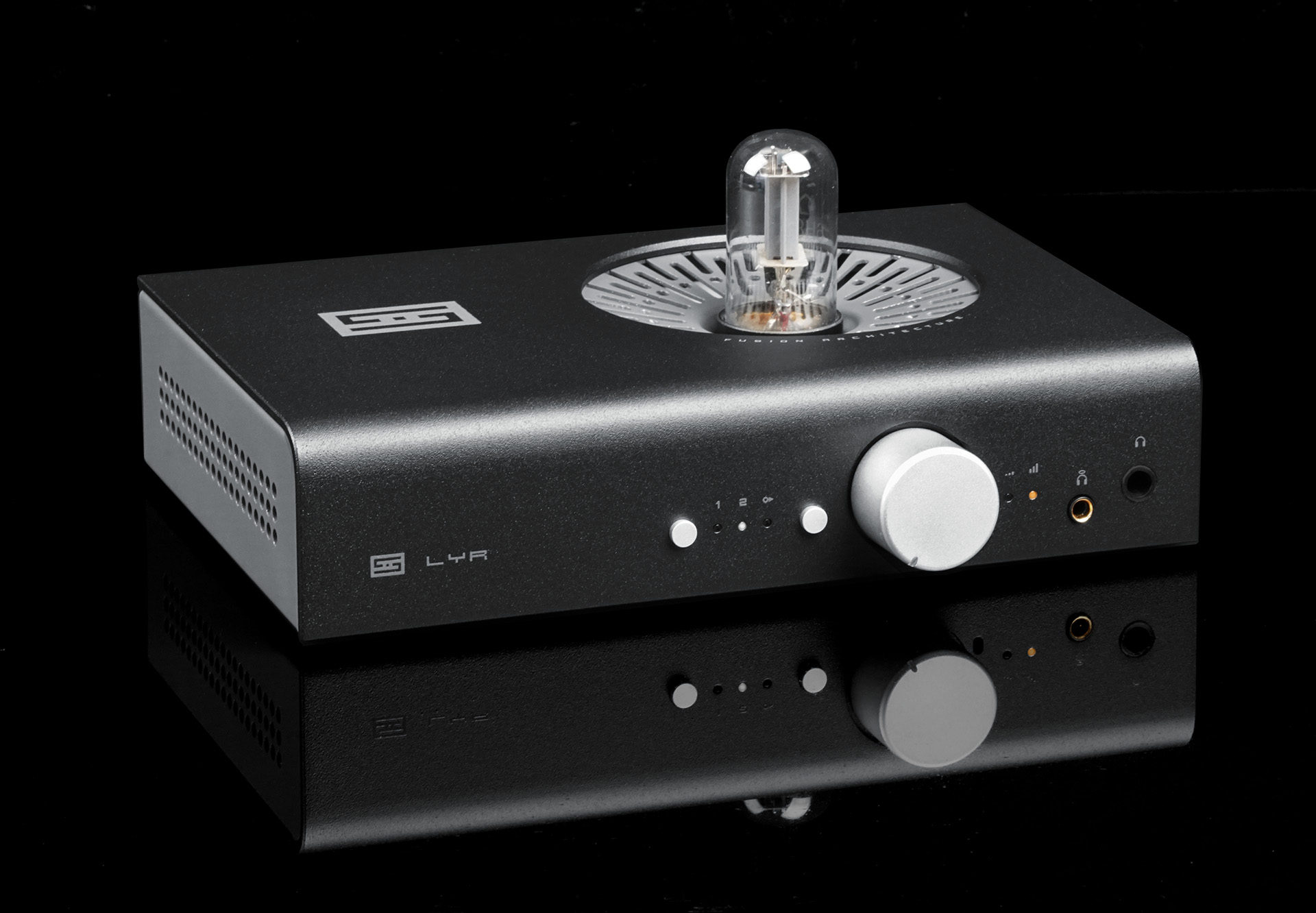 Lyr 5, from $799. The most-advanced desktop-friendly amp we've made, with Forkbeard, tube or solid state gain, relay volume, Continous Class A Monitoring, and more.
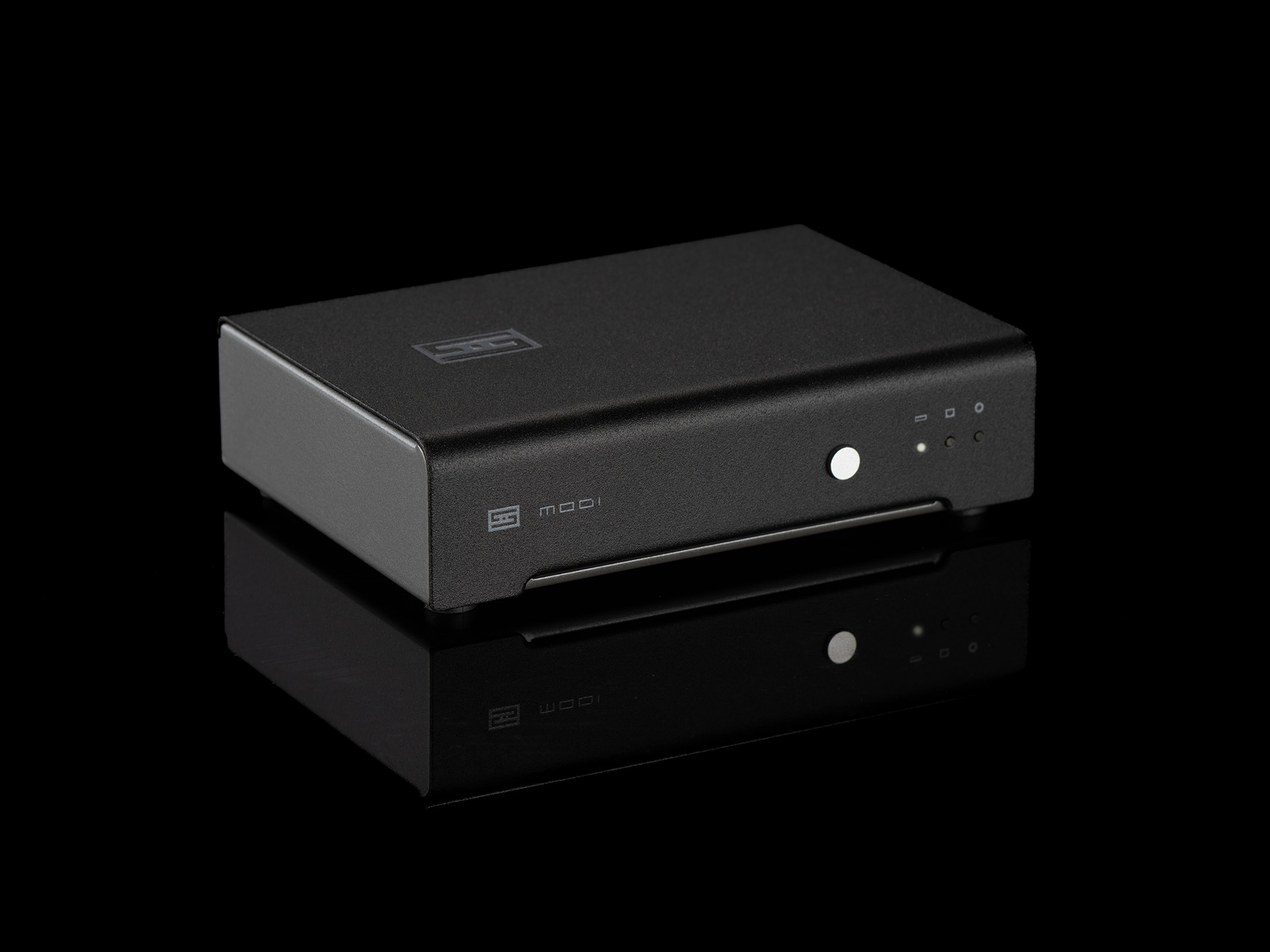 Modi 5, from $149. Modi 5 brings Mesh™ to our most affordable standalone DAC, with Unison 384 USB input, as well as optical and coax inputs.
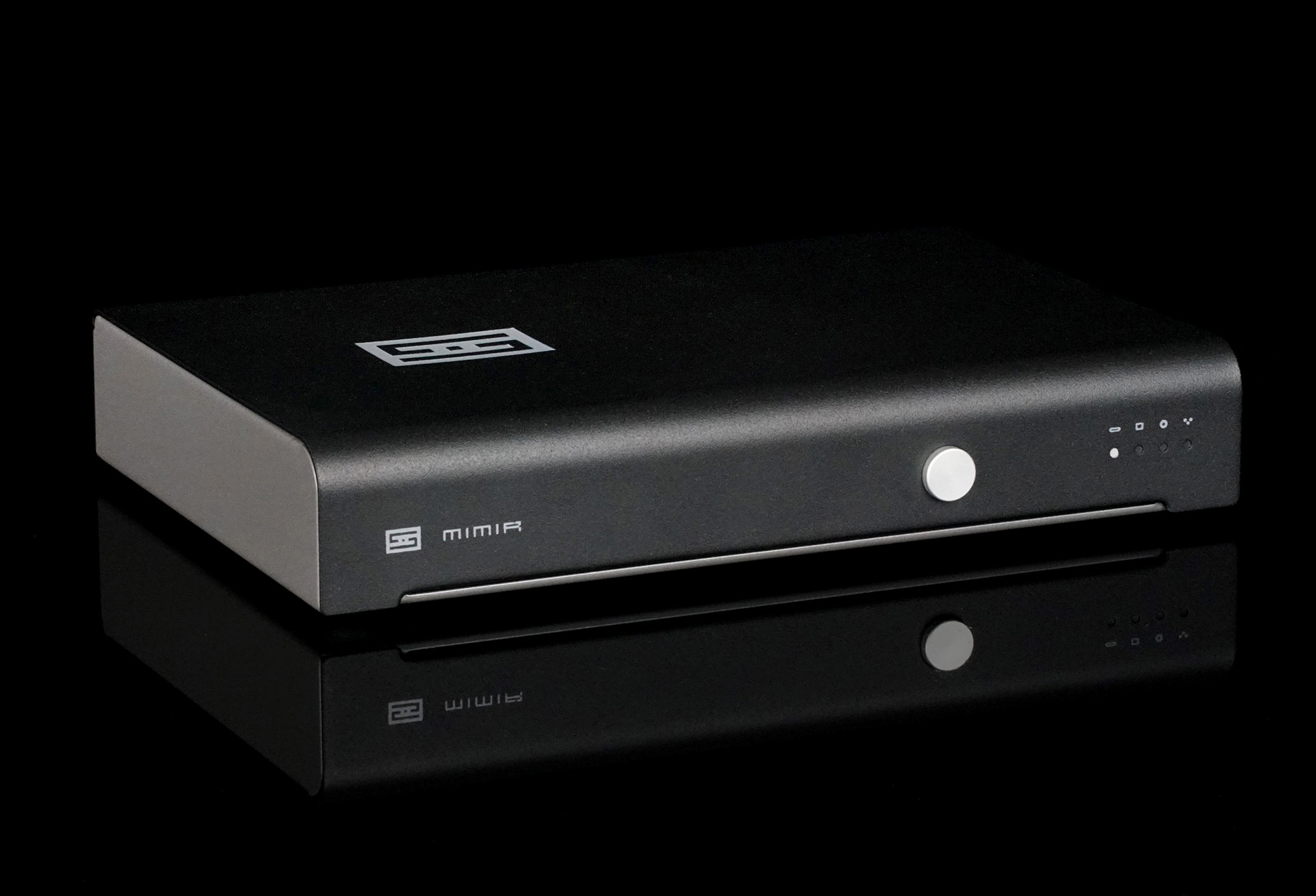 Mimir, from $299. Mimir is a 4-input, balanced-output, Mesh™ DAC with Unison 384. It also becomes a full digital preamp when a Forkbeard module is added, including volume, balance, loudness, and parametric EQ.
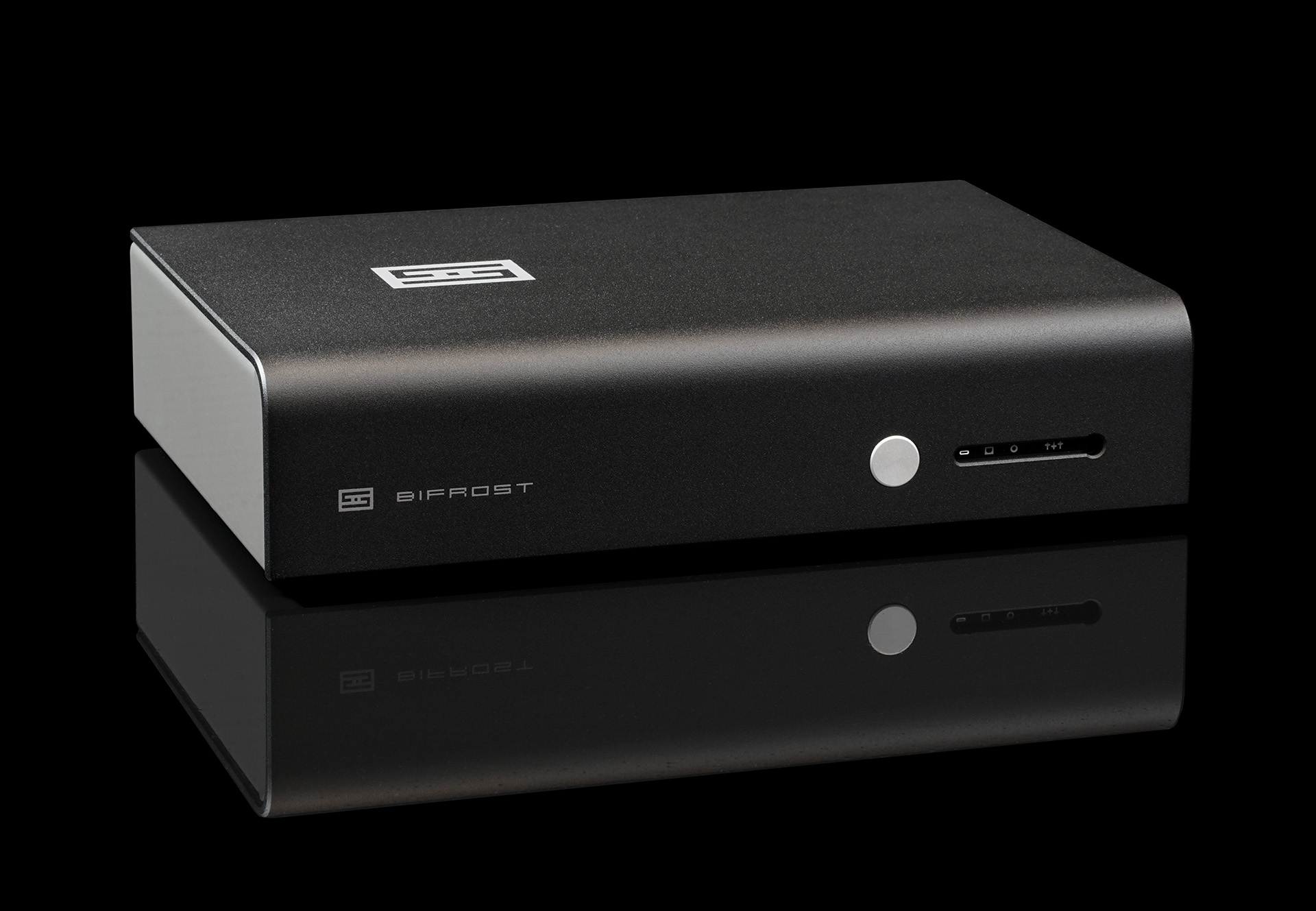 Bifrost 3, from $699. Where Modi is about bang for the buck, Bifrost steps up the game. Ultimate Mesh™ pairs DSP-based oversampling with a latest-gen ESS DAC for superb sound and excellent measurements, and the included Forkbeard™ module adds volume, parametric EQ, and system-wide control. Its modular design means you won’t be left behind as DAC tech changes.
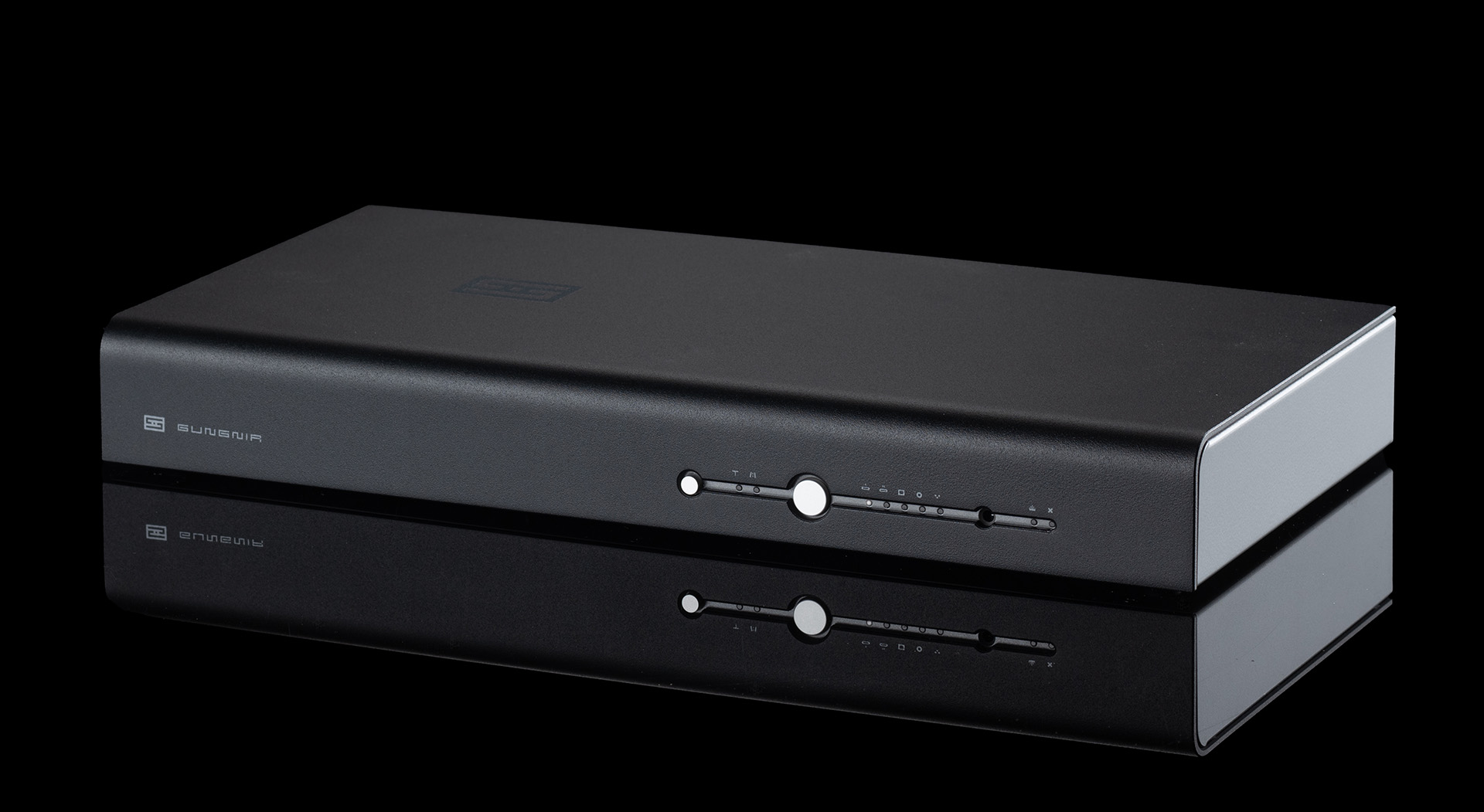 Gungnir 2, from $1549. Gungnir 2 is a 5-input, balanced Multiform™ DAC with two USB inputs, including Unison 384. It also becomes a full digital preamp via Forkbeard including volume, balance, loudness, and parametric EQ. Also, with Autonomy 2™ for over-the-air updates and modular construction, it easily keeps up with the times.
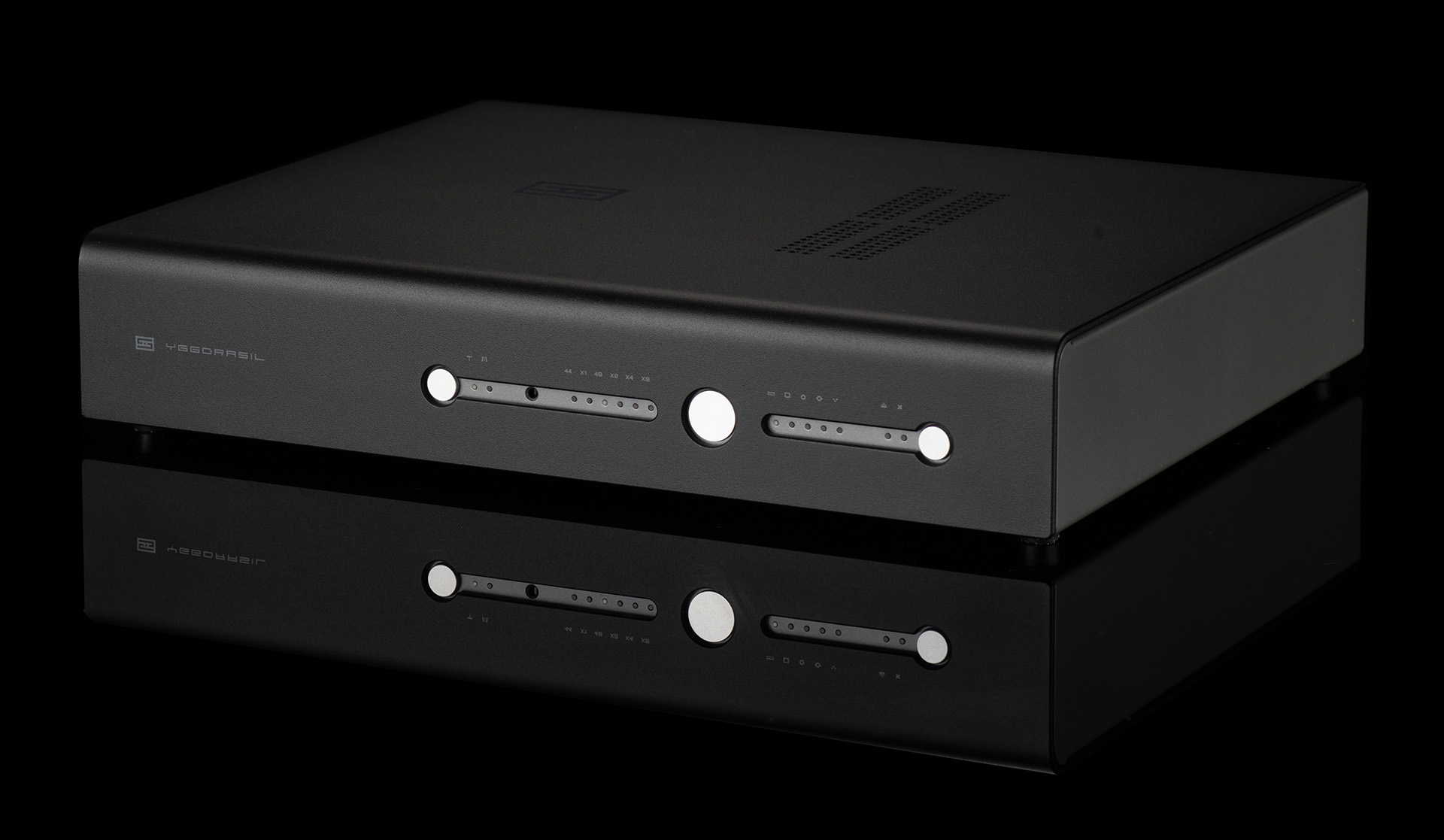 Yggdrasil+, from $2299. Yggdrasil is a complete re-thinking of what an "end game" DAC should be. As a Singular™ or True Multibit™ DAC, Yggdrasil can easily be your Forever DAC.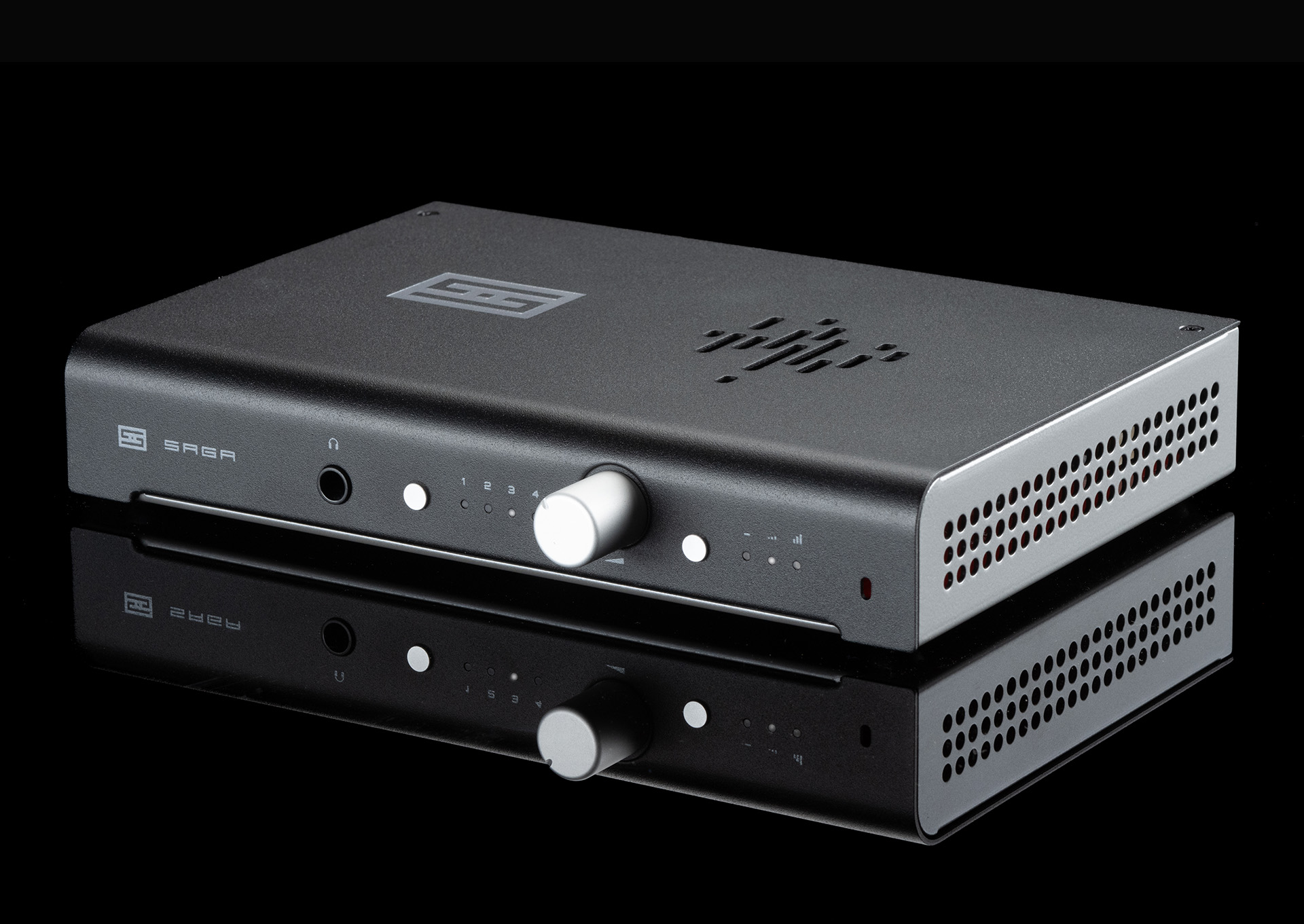
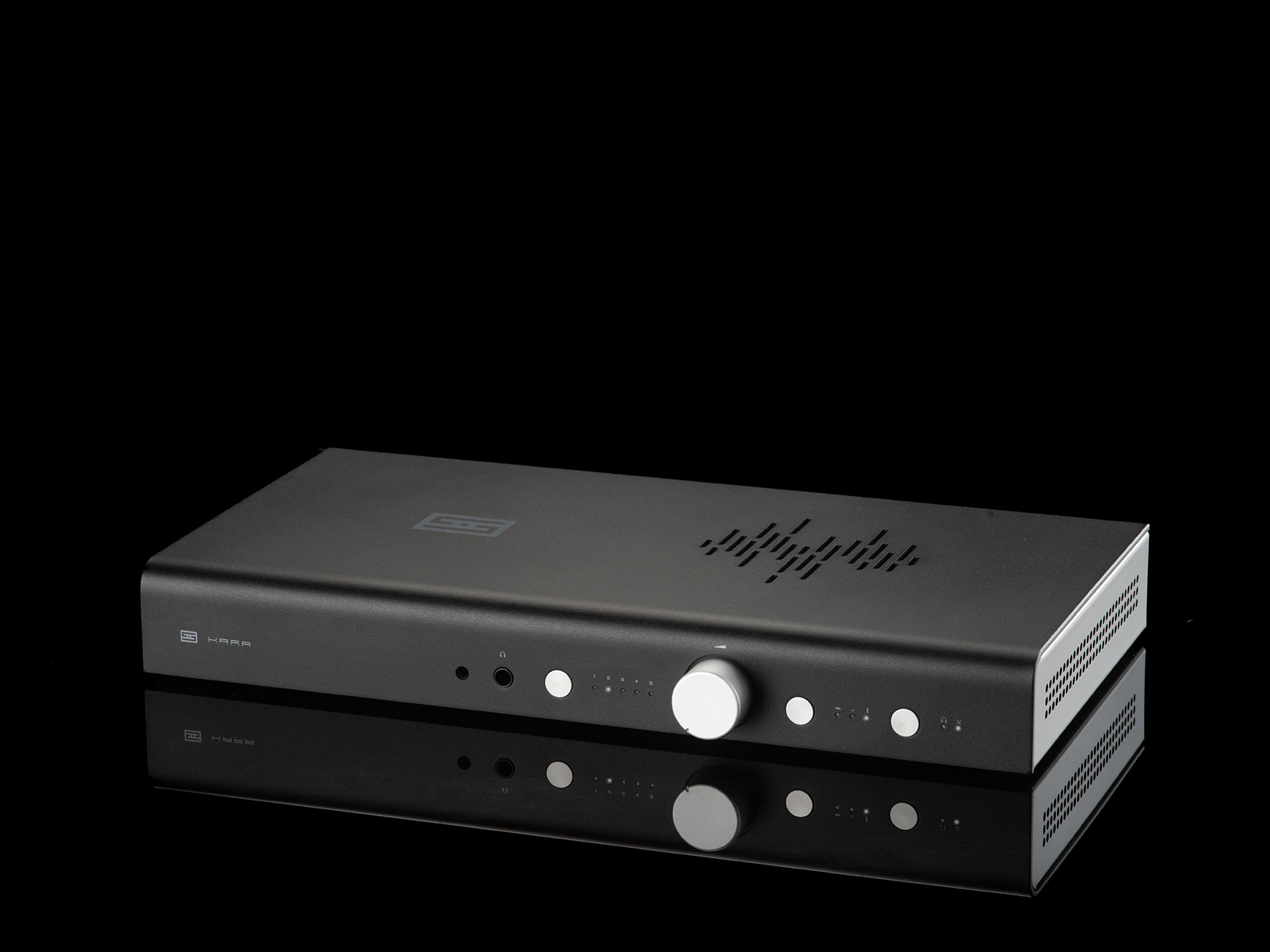 Kara F, from $749. Kara is a true end-game, solid-state balanced preamp...without a mortgage-worthy price. With a balanced 128-step relay volume, balanced inputs and outputs, and remote control, it has everything you need.
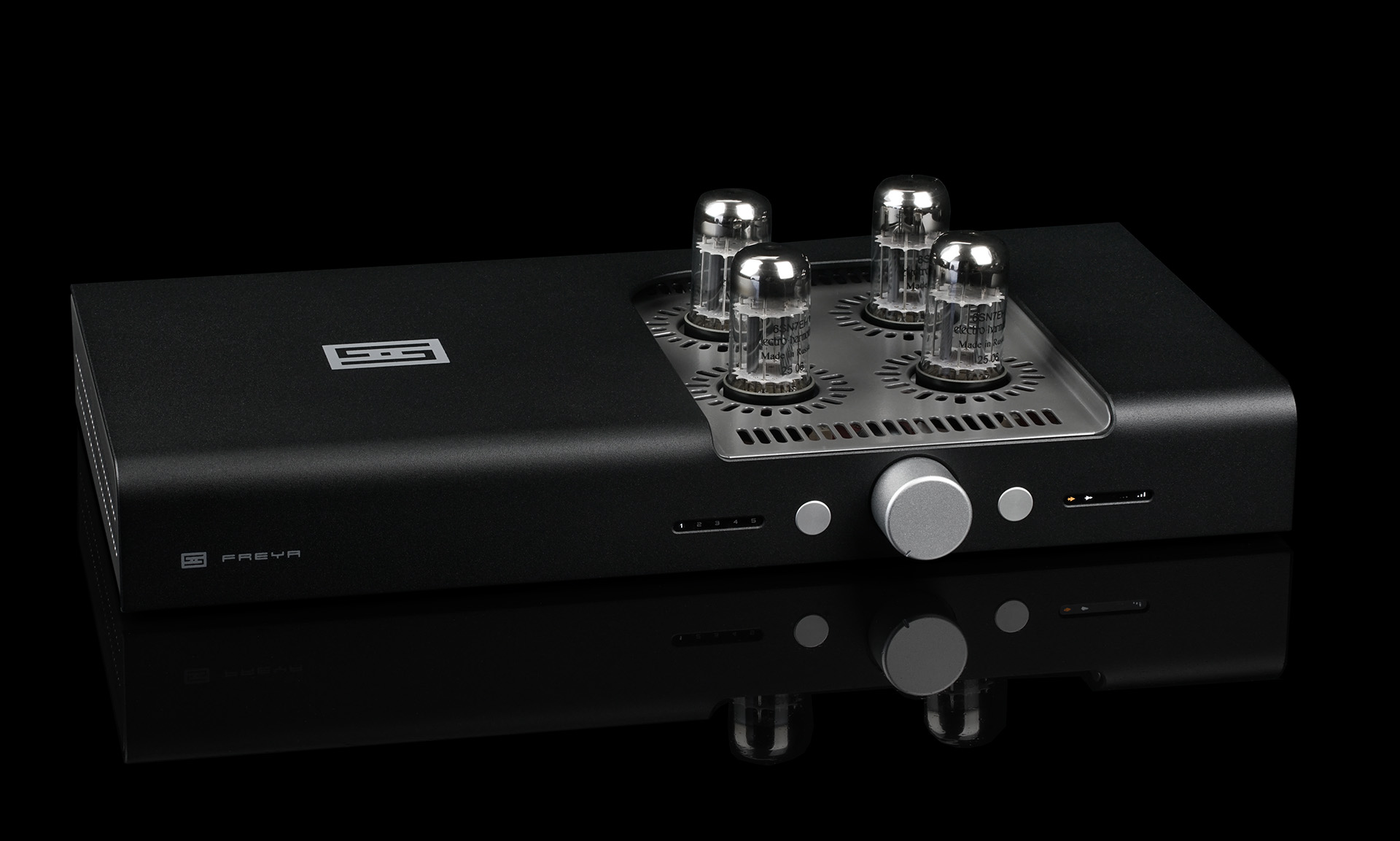 Freya 2, from $999. Want tubes...or not? Freya 2 is a pure tube preamp with the comfort of solid state. Run all 4 tubes with no solid state in the signal path, switch to its depletion-mode MOSFETs when you’d rather skip the tubes, or use tubes just for input or just for output.
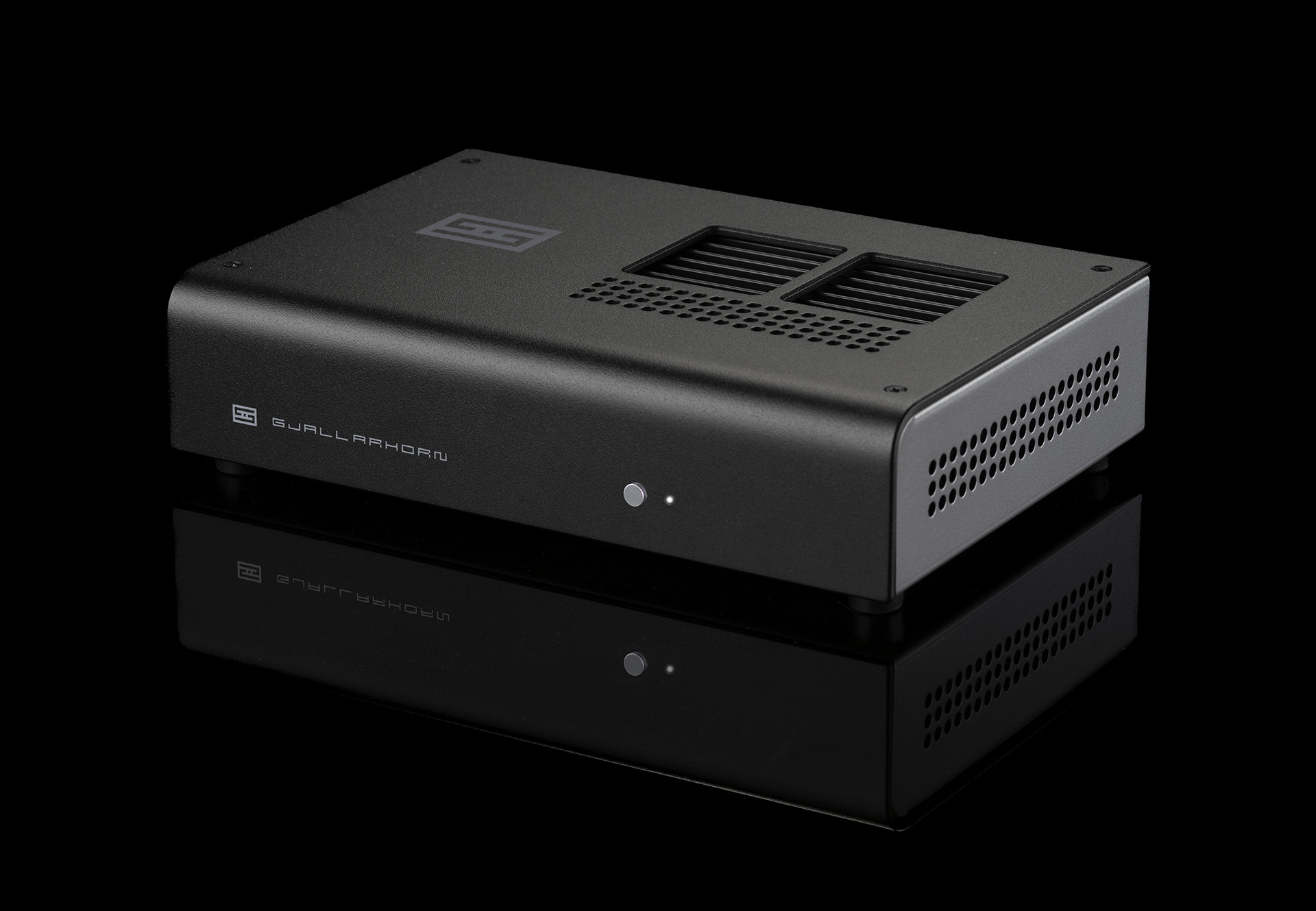 Gjallarhorn F, from $299. Want great sound on your desktop, or in a nearfield system, or even in a small room? Gjallarhorn is a great way to do that, without taking up a lot of space.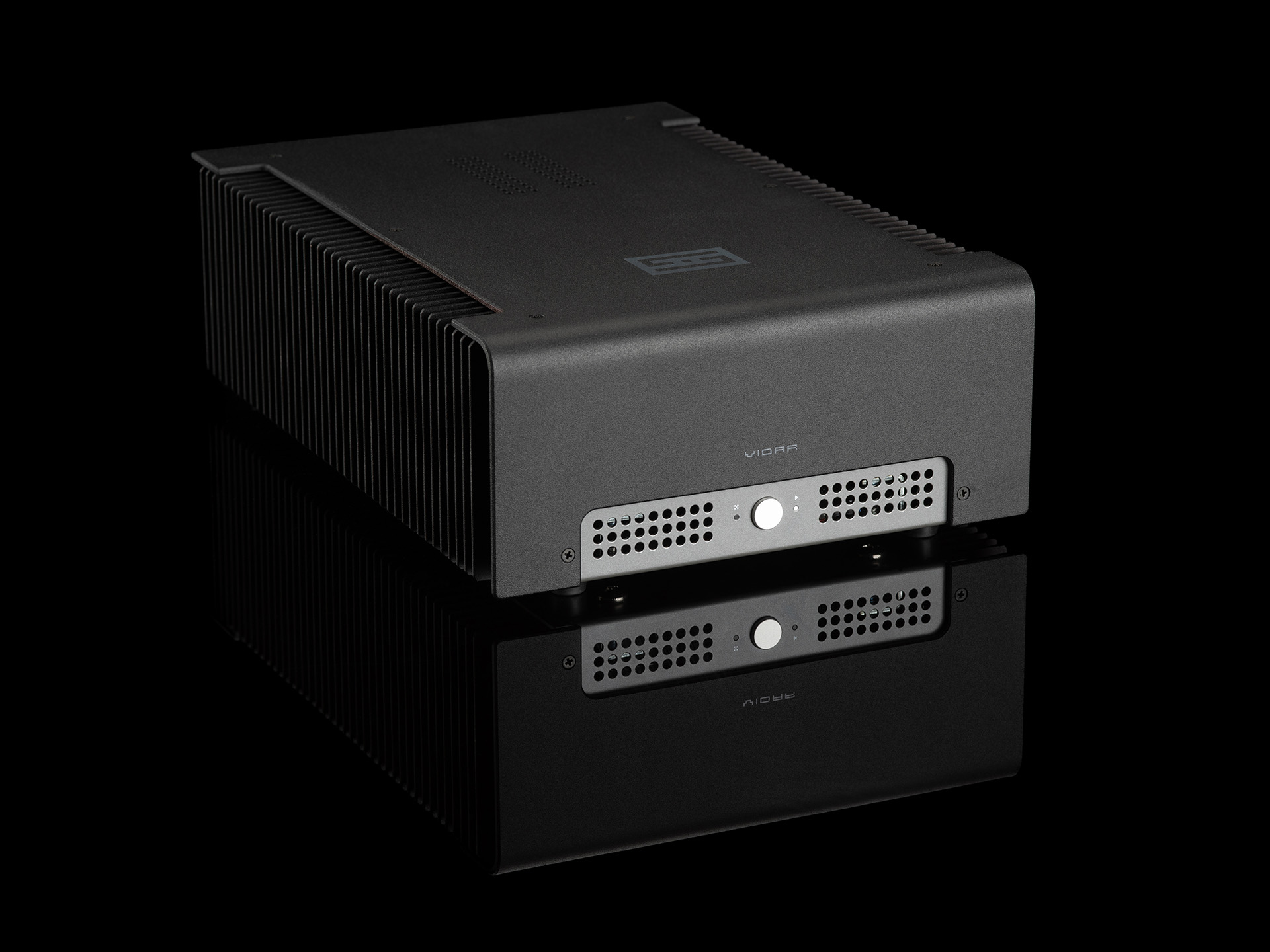
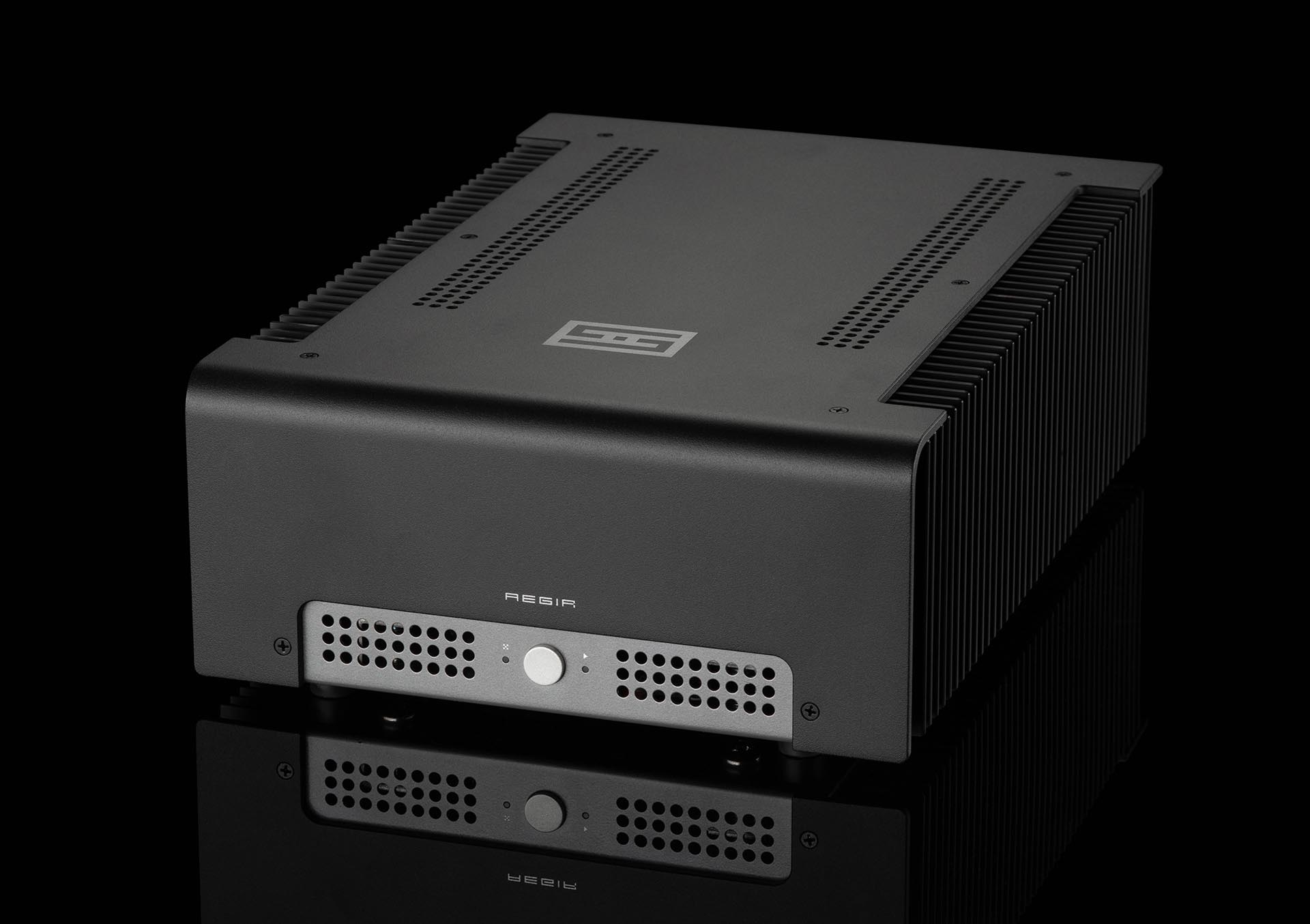 Aegir 2F, from $949. Depending on your point of view, this is either a lower-power Vidar 2, or a higher-quality, power-limited amp using our unique Continuity™ constant-transconductance output stage. Both views are valid.
 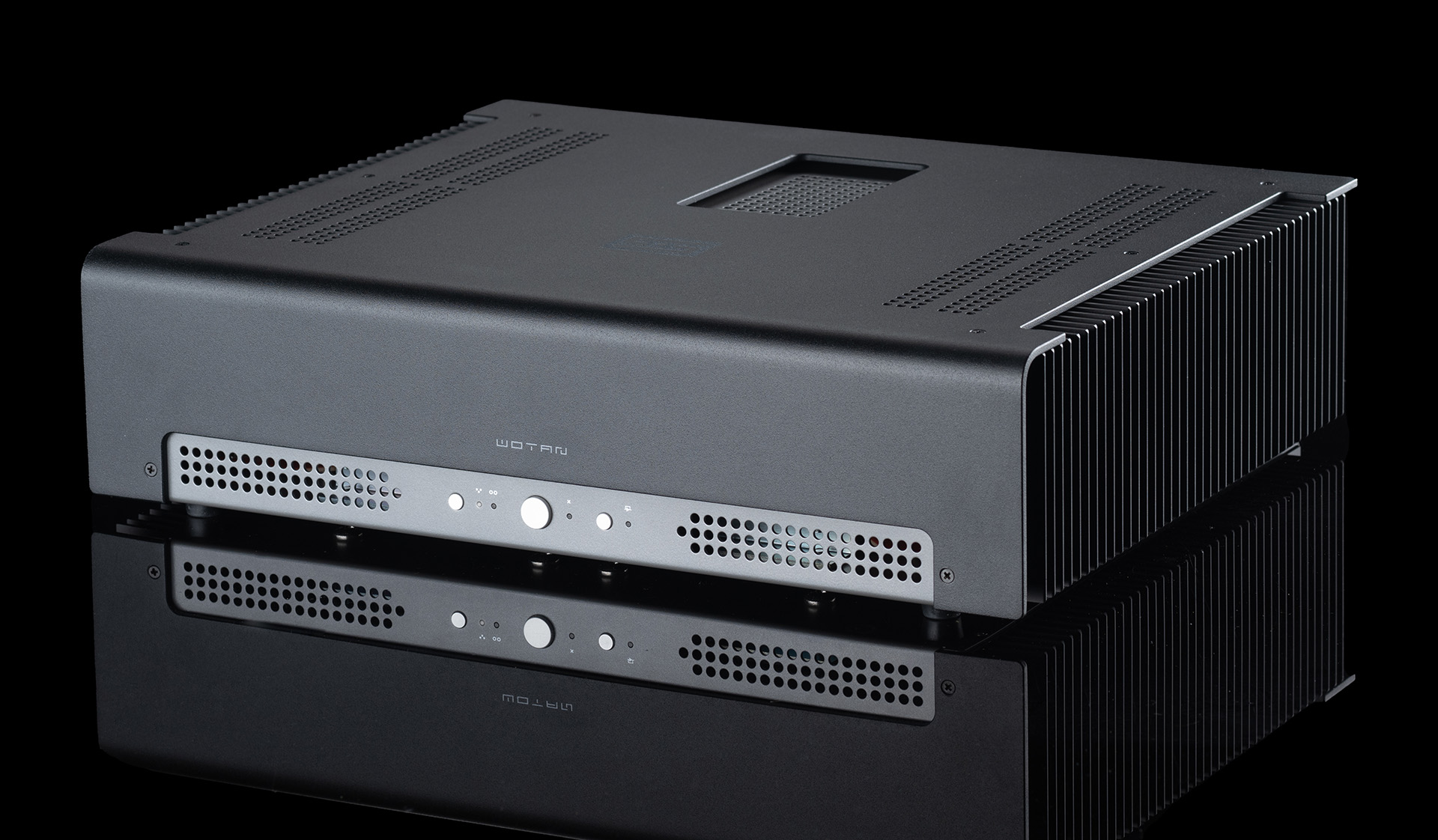 Wotan, from $1949. This high-power dual-mono Nexus™ differential amplifier with Forkbeard™ standard will drive pretty much any speaker on the planet, with ultimate finesse, to ear-bleeding levels. Get one and be done.
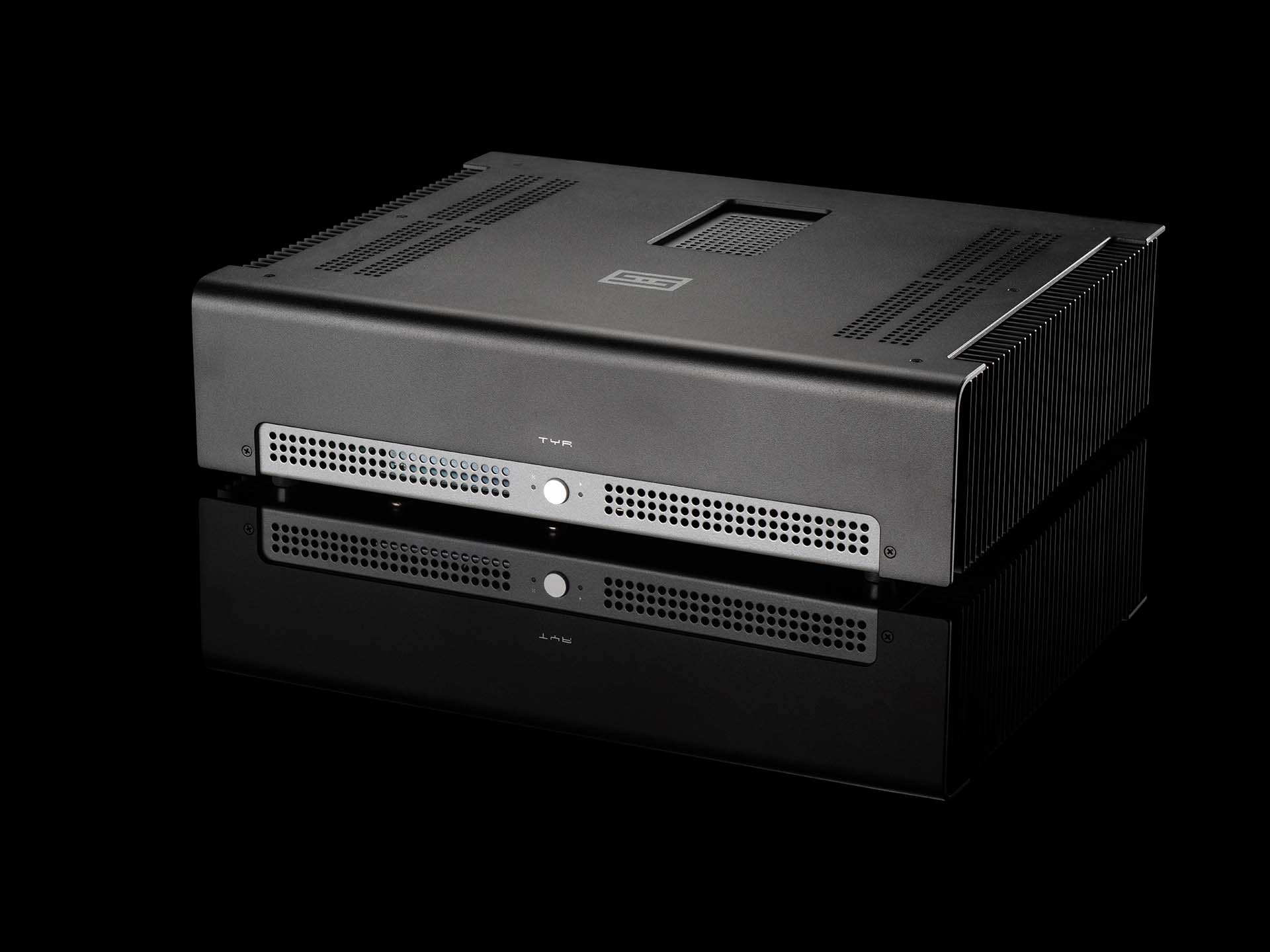 Tyr F, from $3298 for a stereo pair. This is our all-out, totally-nuts, Nexus and Continuity™ choke-input monoblock power amplifier. At 50 lbs each, and 2 required for stereo, Tyr F is the top of our amp line.
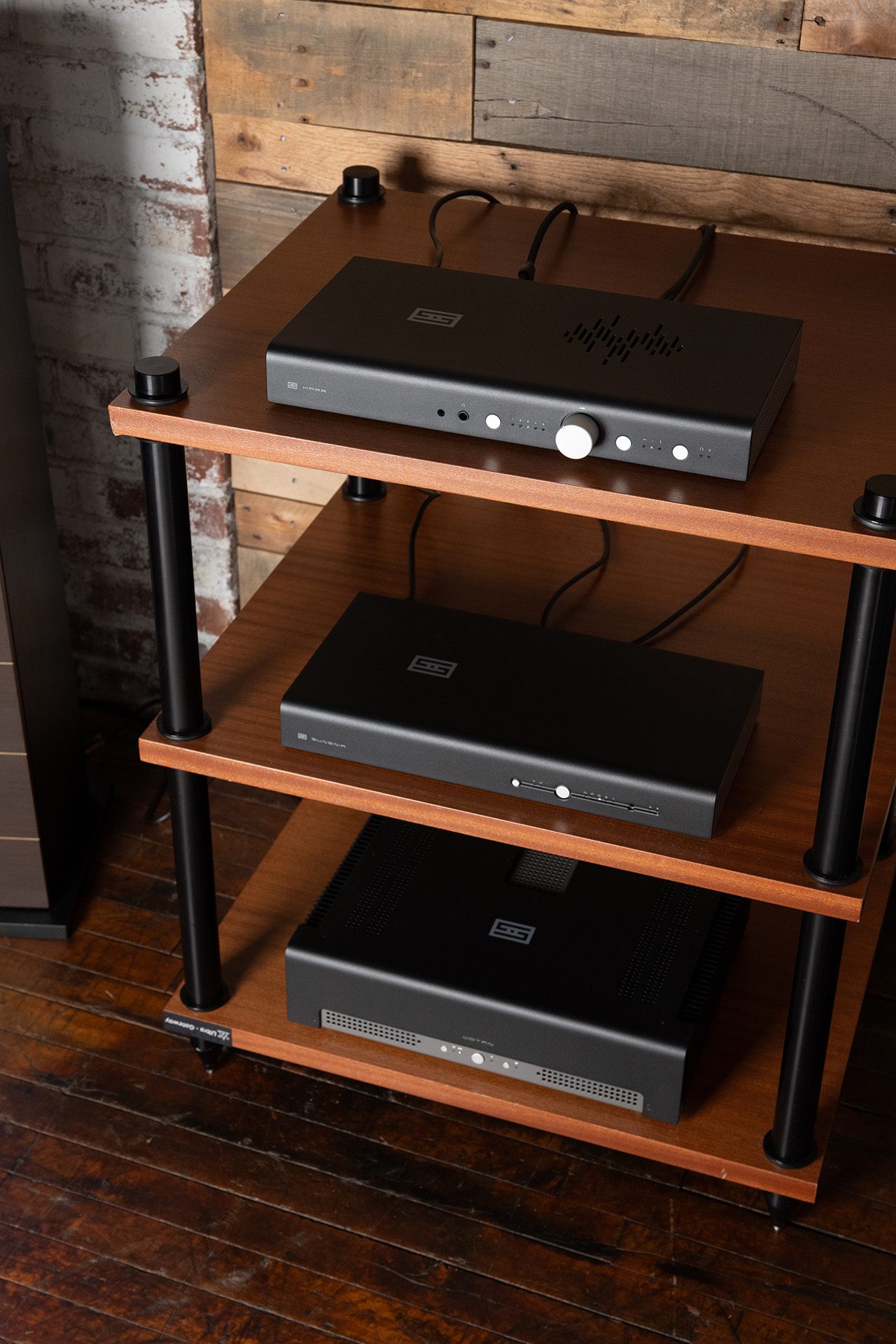 GigaStack, from $4247. Completely over-the-top, completely Forkbeard-enabled, this is the system you choose when you want to be done with the audio merry-go-round.
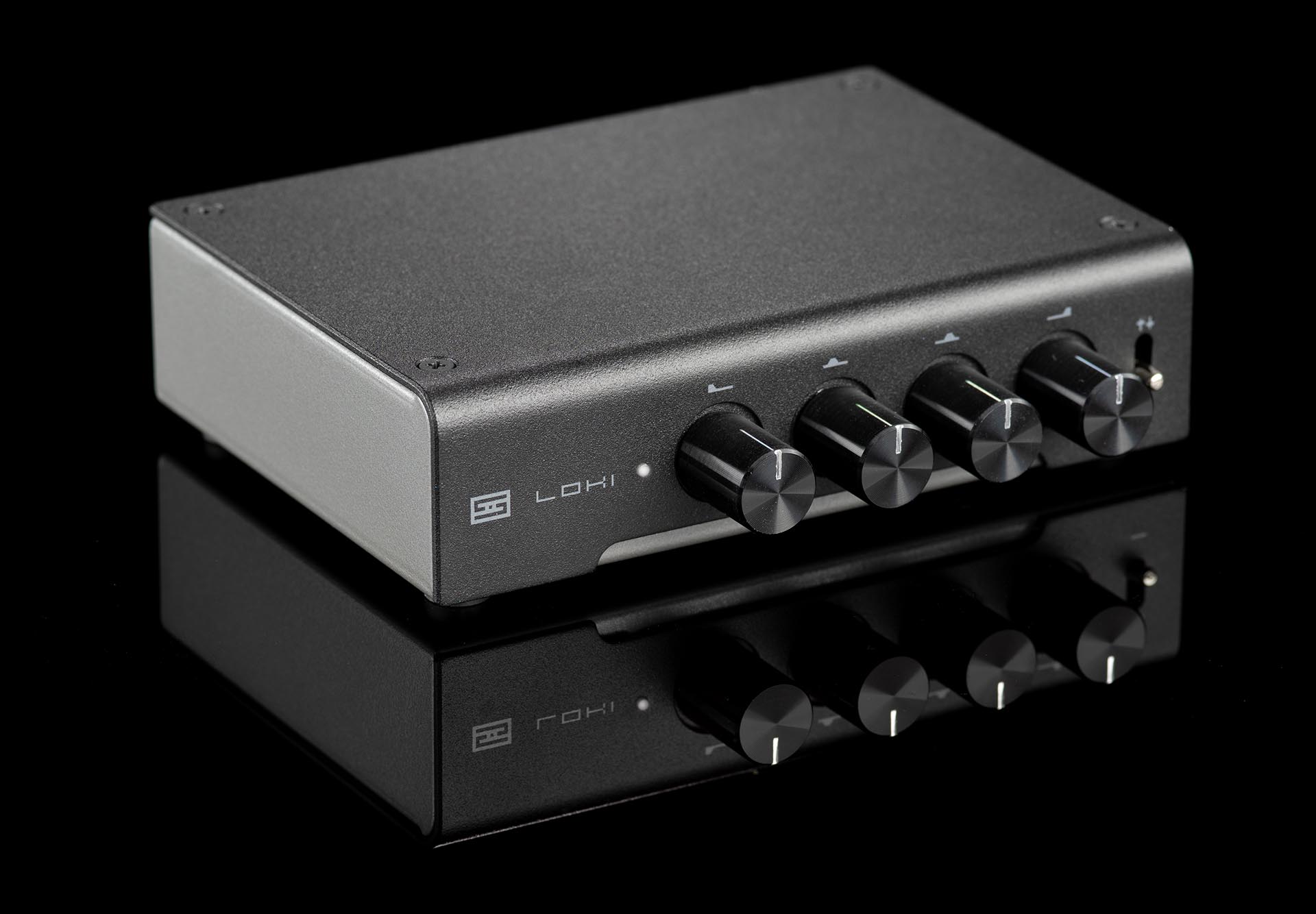 Loki Mini+, from $149. Interested in seeing what a simple EQ can do for your headphones or speakers? Don't want to spend a ton of money? Then Loki Mini+ is for you. Turn the knobs and instantly hear the difference—make your headphones brighter or bossier, or compensate for those not-so-perfect recordings you still enjoy.
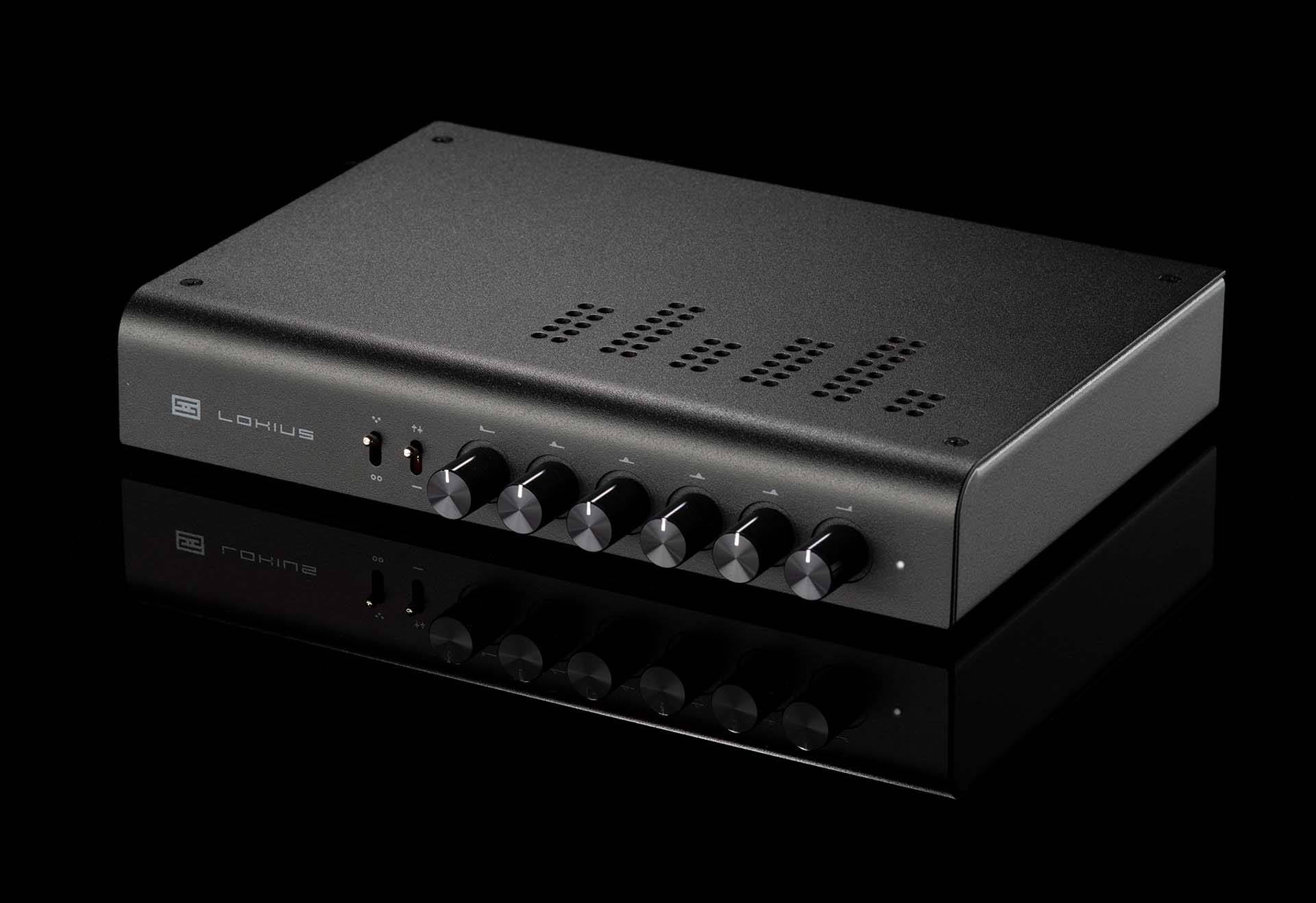 Lokius, from $299. Want more bands (6 to be exact), more control, and the ability to use both balanced and single-ended inputs and outputs? Step up to Lokius, which adds bands, balanced, a more capable "superbuffer" input, and a larger price tag.
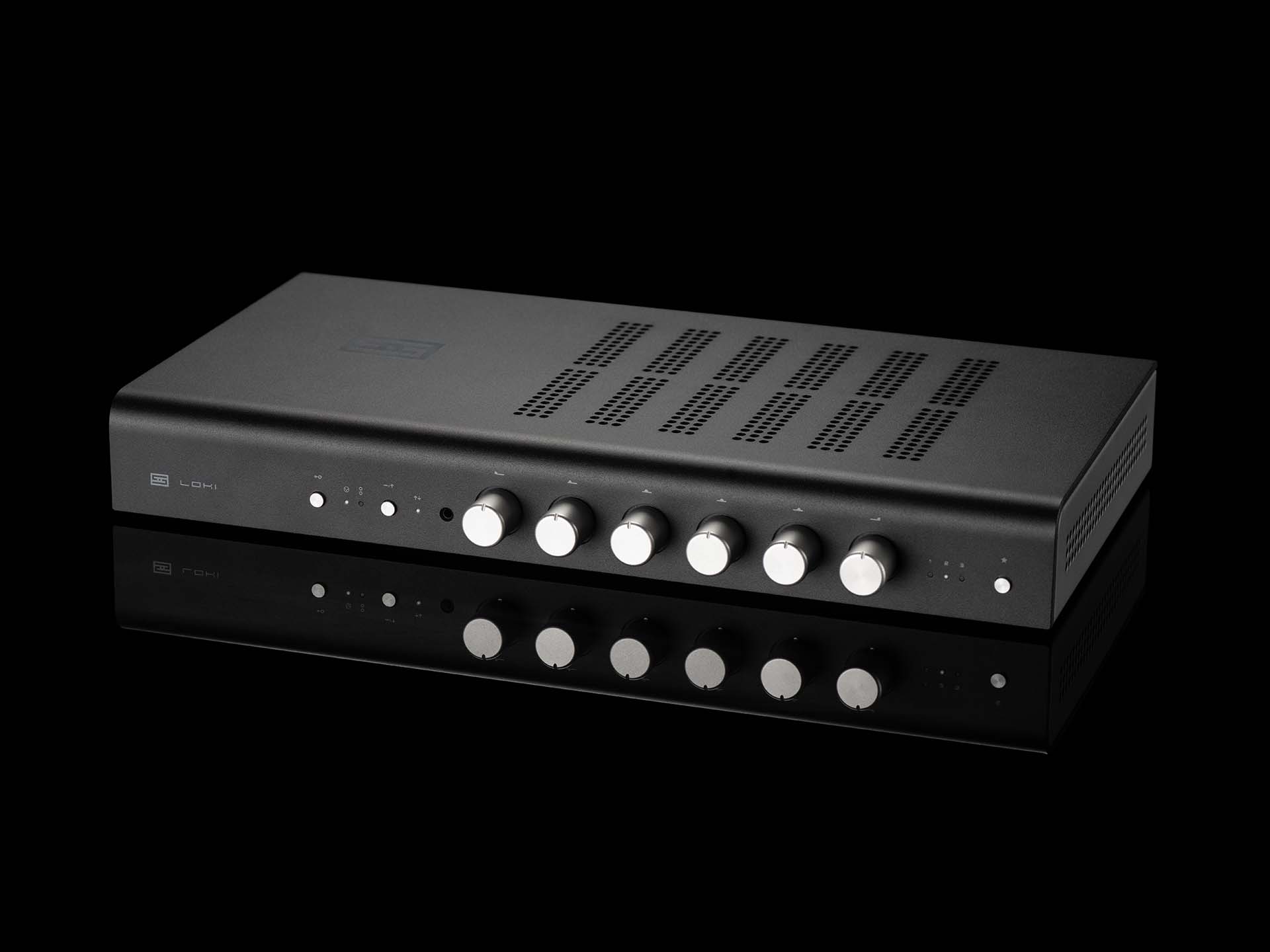 Loki Max F, from $1549. Want the most insane equalizer on the planet? Then here you go—100% LC equalization, 6 bands, all remote-controlled, with presets. The knobs even all turn when you use the presets. This cost-no-object piece is for you.